
Getting started
Pronounced "ahn-TRAHKT"
Entracte is French for the interval between acts of a play — IPA /ɑ̃.tʁakt/. "En-tract" with a hard t is the common-but-incorrect English reading; we say it the French way.
Recording by Vion Nicolas via the Shtooka Project, used under CC BY 2.0 France.
Entracte runs as a menu bar / tray app. After launching it, you'll see a small stage-arch icon in the system tray — that's the only entry point. There is no Dock icon on macOS, by design.
First minute
- Click the tray icon to open the menu.
- Open Preferences to review or change the defaults.
- Leave it running. Entracte will fire its first Micro break after the configured interval (default: 20 minutes).
How a break works
When a break fires, Entracte takes over every monitor with a borderless overlay showing a countdown ring. Micro breaks are short (around 20 seconds) and can be dismissed; Long breaks are multi-minute and undismissable by default. Sleep prompts appear during your configured bedtime window.

A pre-break notification can fire a few seconds before each break — enough warning to finish a sentence, not enough to forget.
Looking back
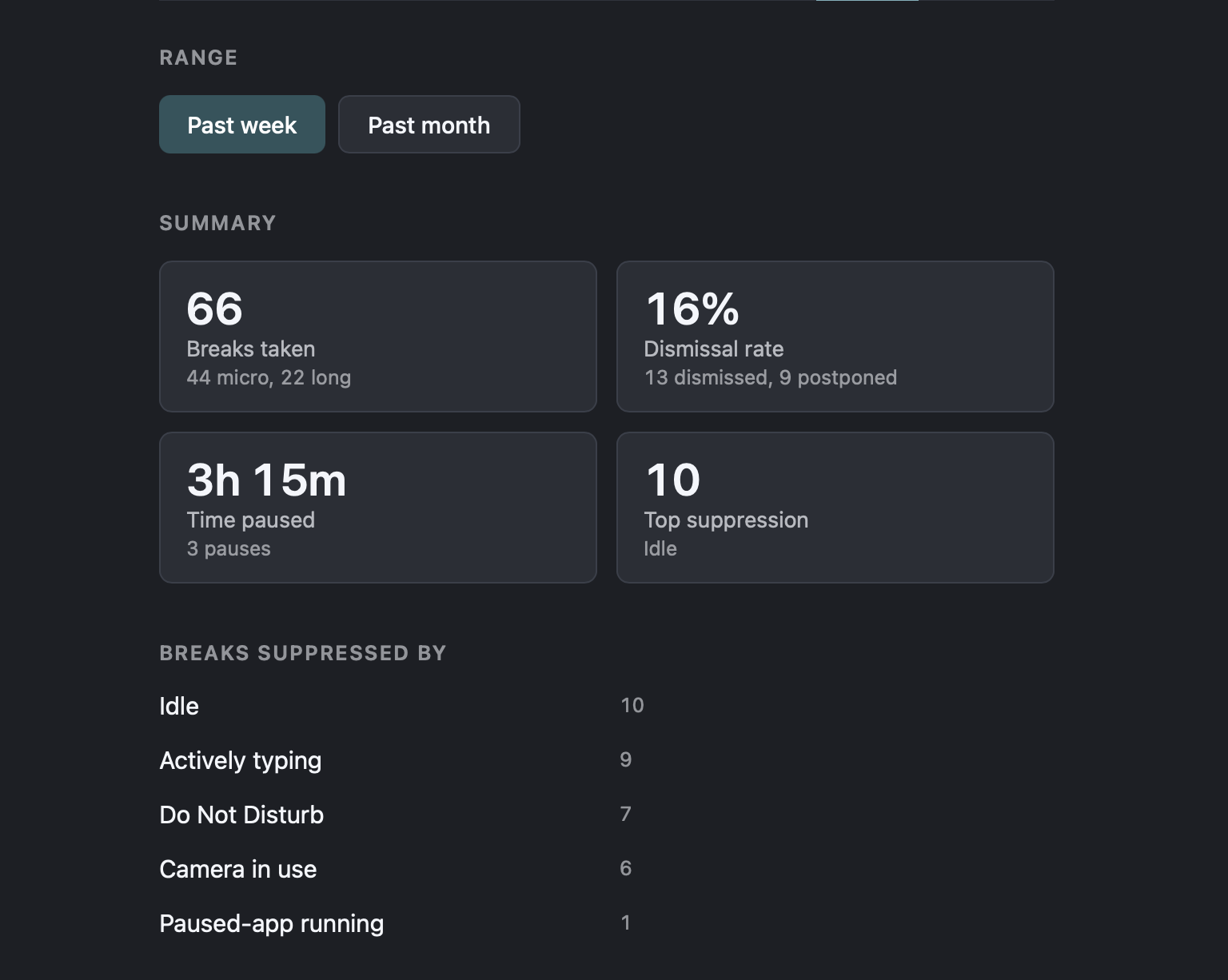
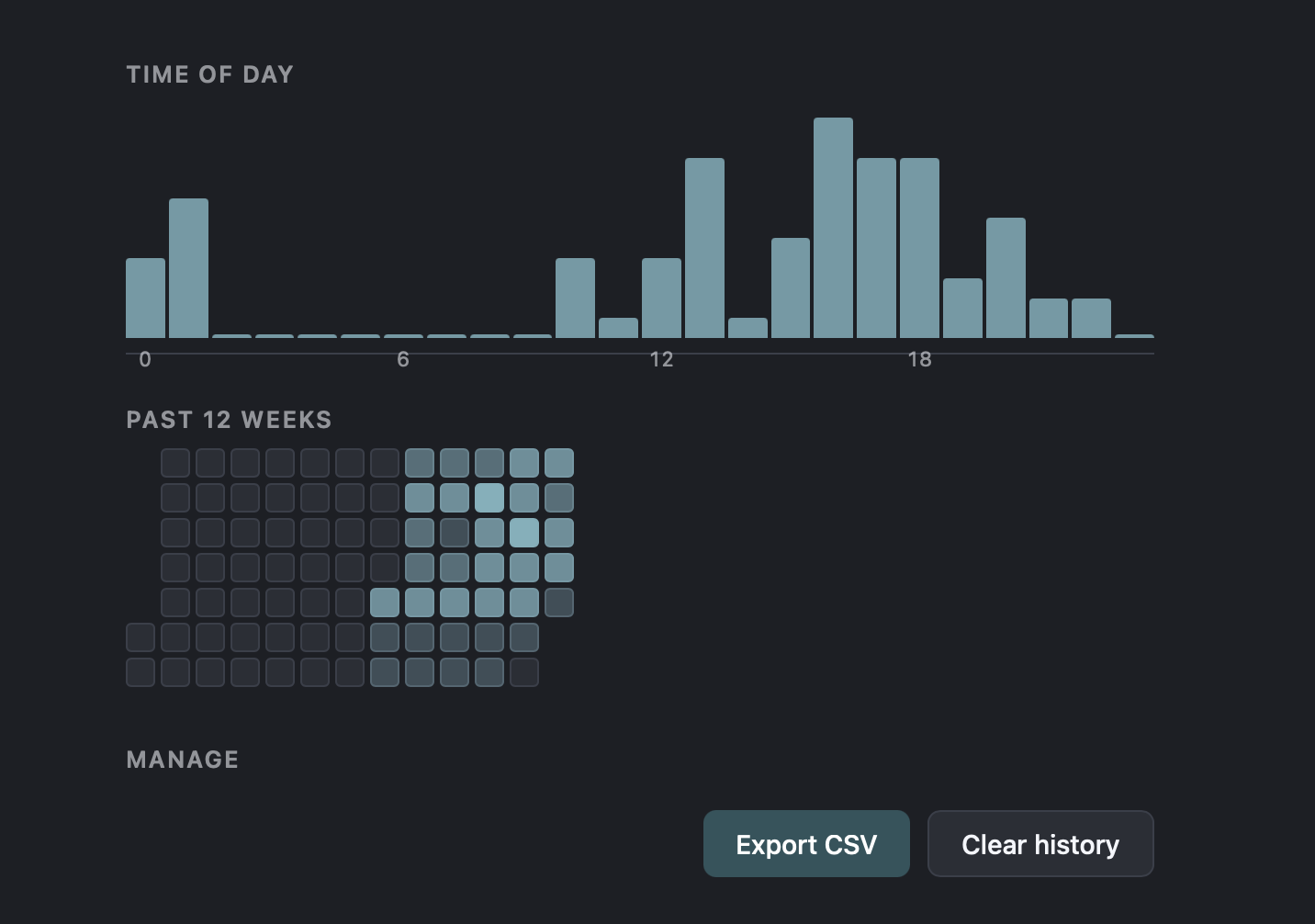
Entracte keeps a local history of every break — taken, dismissed, postponed, or suppressed by Do Not Disturb / camera / idle. The Insights tab in Preferences summarises the past week or month, with a time-of-day distribution and a 12-week heatmap. Export to CSV or clear at any time.
Pausing
Open the tray menu and pick Pause for…:
- 15 minutes
- 30 minutes
- 1 hour
- 2 hours
- 4 hours
- Until tomorrow 6 am
- Indefinitely
A paused Entracte will not fire breaks, but the bedtime prompt still works.
When breaks are skipped automatically
Entracte tries to be a good citizen. It will skip a scheduled break if any of these are true:
- Your system Do Not Disturb / Focus mode is on.
- Your camera is active (you're probably in a meeting).
- You've been idle longer than the configured threshold (you already stepped away).
- The current time is outside your active hours window.
See Settings for how to tune each of these.